

Athlete getting started
This guide walks you from zero to your first daily check-in. Take it one step at a time — most athletes finish setup in one sitting once they have a team invite code.
Who this is for
Section titled “Who this is for”Student-athletes ages 8–22 who will use AthleteIQ for daily character check-ins, goals, and progress.
What you’ll need
Section titled “What you’ll need”- An email address (or a Google account)
- Your coach’s 6-character team invite code, or an email invite from your coach
- Optional but recommended: a parent’s email so you can share progress
Before you begin
Section titled “Before you begin”-
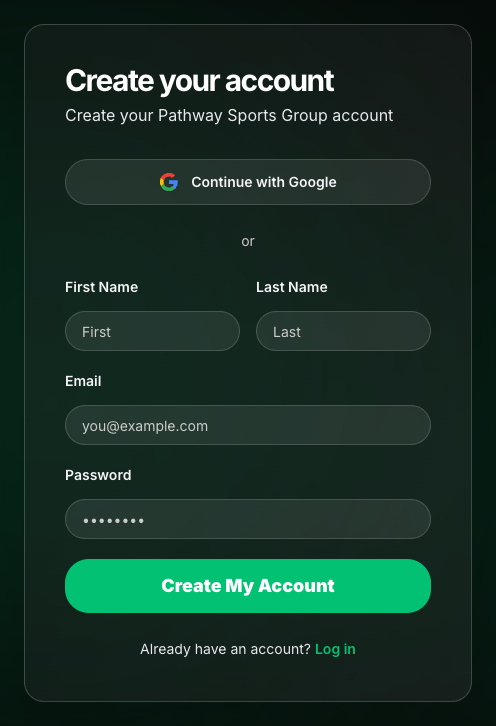
Create your Pathway account
Option A — start on the platform website
- Visit pathwaysg.net.
- Choose Get Started or Sign Up.
- Continue with Google, or create an account with email (first name, last name, email, password).
- If you used email, open your inbox and click the confirmation link before you log in.
- After your first login, Pathway routes you into AthleteIQ onboarding.
Option B — start from AthleteIQ
- Visit athleteiq.pathwaysg.net.
- Choose Get Started or Log In — you’ll be sent to the platform website to authenticate.
- After you sign in, you return to AthleteIQ onboarding.
-
Choose Athlete
On the welcome screen, pick Athlete (“Track your character and growth”).
Coach roles are not part of public athlete/parent onboarding. Coaches use a separate invite path — see Team coach getting started.
-
Tell us about you
Complete your athlete profile:
Field Required? Tips School Yes Search and select from the list Birthday Yes Sets your age-appropriate check-in style Sport Yes Choose from sports offered at your school Position No e.g. Point Guard, Quarterback Height / Weight No Optional Click Finish setup. You can edit these later in your profile.
-
Complete age group if prompted
Some athletes see a one-time screen to confirm:
- Youth (8–12)
- Middle School (13–14)
- High School (15–18)
- College (18–22)
This unlocks the right check-in format for you.
-
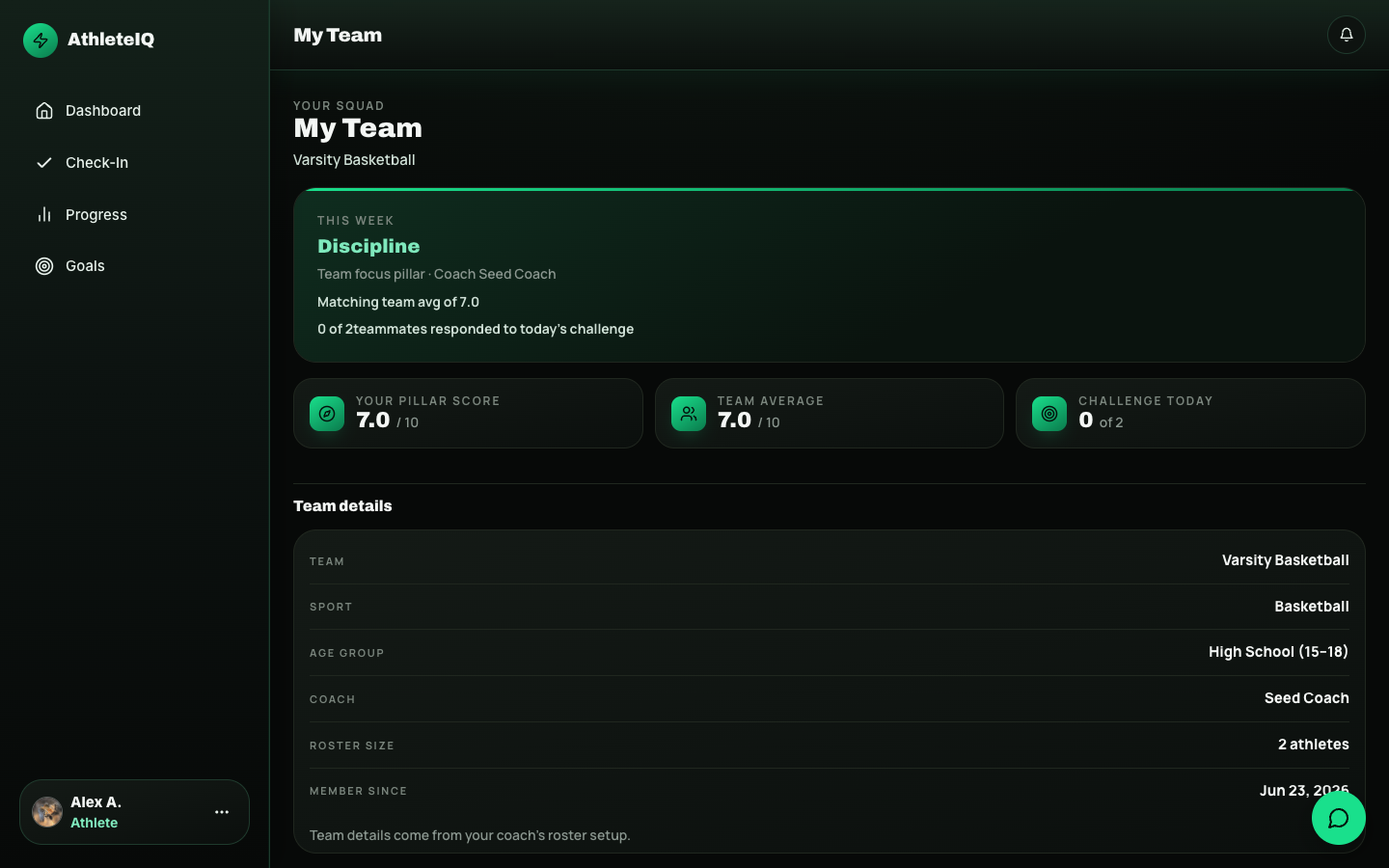
Join your team
From your dashboard’s getting-started view, open Join Team.
- Invite code: ask your coach for the 6-character code, enter it, confirm.
- Email invite: open the link your coach sent, sign in if asked, accept.
-
Link a parent (recommended)
On your dashboard, find Share with a parent, enter their email, and share.
- If they already have a Pathway account, they may connect right away.
- If not, they’ll sign up as a Parent and you’ll approve the link.
- You control access — parents don’t see your data until you approve.
-
Do your first daily check-in
Open Check-In (or Check In Today on the dashboard). Rate yourself on the five character pillars, add a short summary if asked, and submit.
Your streak and AthleteIQ score start building from this first check-in.
Quick reference
Section titled “Quick reference”| Step | Action | You’re done when… |
|---|---|---|
| 1 | Create account | You’re signed in |
| 2 | Choose Athlete | Role is set |
| 3–4 | Profile + age group | Dashboard is ready |
| 5 | Join team | Team name appears |
| 6 | Link parent | Request sent / connected |
| 7 | First check-in | Streak starts |
Common questions
Section titled “Common questions”I signed up but I can’t check in.
You probably haven’t joined a team yet. Open Join Team and enter your coach’s code.
I picked the wrong role.
Use Feedback & support on the platform website and ask Pathway to help.
My parent can’t see my progress.
Make sure you shared their email, or approve their pending link request from your dashboard.
I don’t see Coach as an option.
That’s expected on the public path. Coaches need a program invite — not athlete sign-up.
- Daily check-in — how the daily habit works
- Goals & progress
- Teams & roster