

For parents
What the parent experience is for
Section titled “What the parent experience is for”AthleteIQ for parents is built for visibility without intrusion. After your athlete approves the link, you can see check-ins, trends, and shared coach feedback — while your athlete still owns the daily habit.
If you are not linked yet, start with Parent getting started. This page is what you do after you’re connected.
Prerequisites
Section titled “Prerequisites”- Parent account set up in AthleteIQ
- At least one approved link to your child’s AthleteIQ email
- Same Pathway login works on the website for Feedback if you need help
Parent dashboard — what each area means
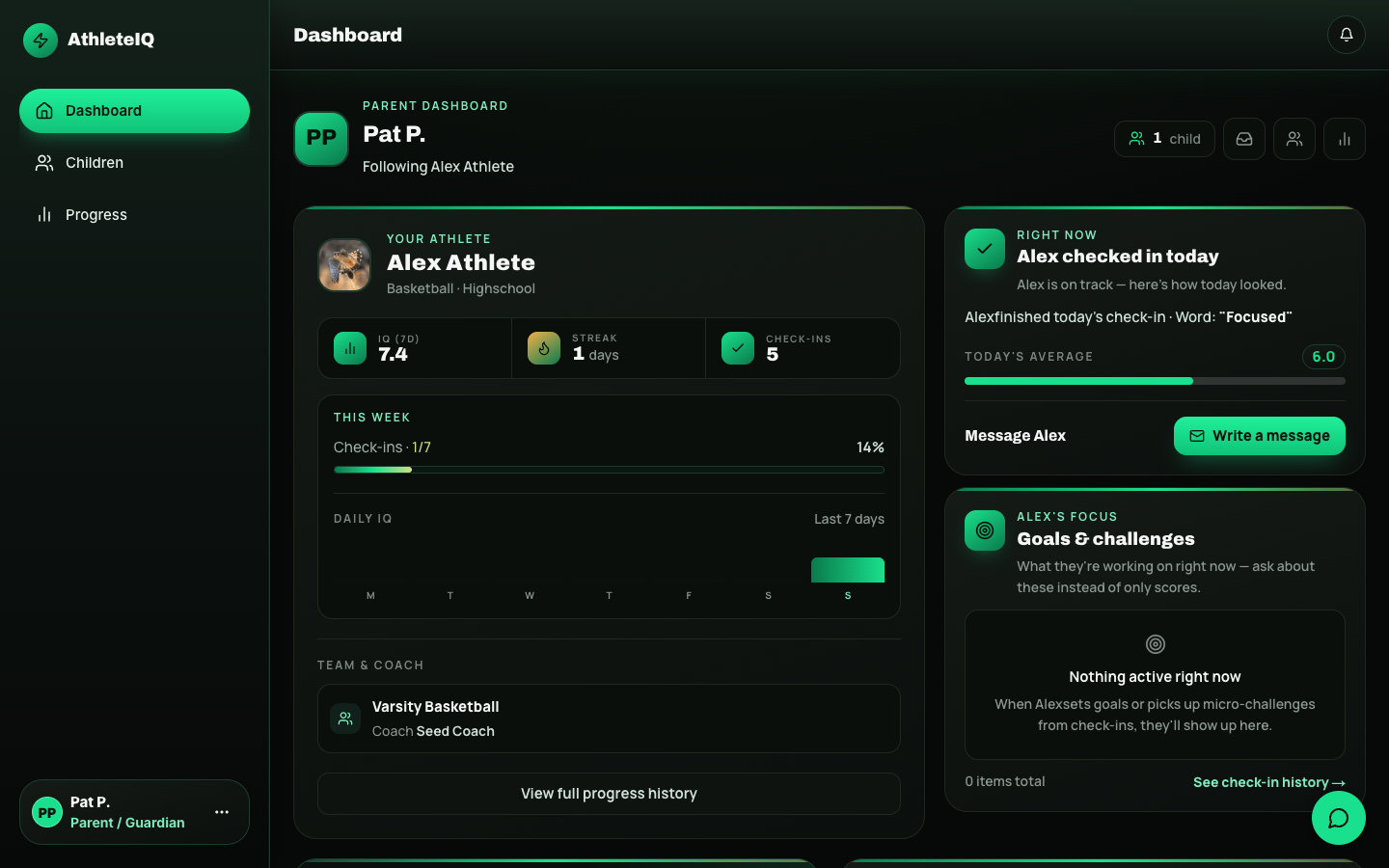
Section titled “Parent dashboard — what each area means”| Area | What it helps you understand | Suggested use |
|---|---|---|
| Child hero card | Scores, streak, recent trend | Daily glance — not a report card |
| Today’s check-in status | Did they show up for today’s habit? | Celebrate completion; ask curiously if missed |
| Goals and actions | What they’re working on | Support without taking over |
| Insights | Pattern notes from recent check-ins | Conversation starters |
| Pillar averages | Strengths and growth areas | Focus on one pillar at a time |
| Coach shoutouts | Recognition from coaches | Mirror the praise at home |
| Shared evaluations | Formal coach feedback when shared | Read carefully; ask the athlete how they feel |
| Score guide | What numbers mean | Use when scores feel confusing |
Children page — manage connections
Section titled “Children page — manage connections”Open Children to:
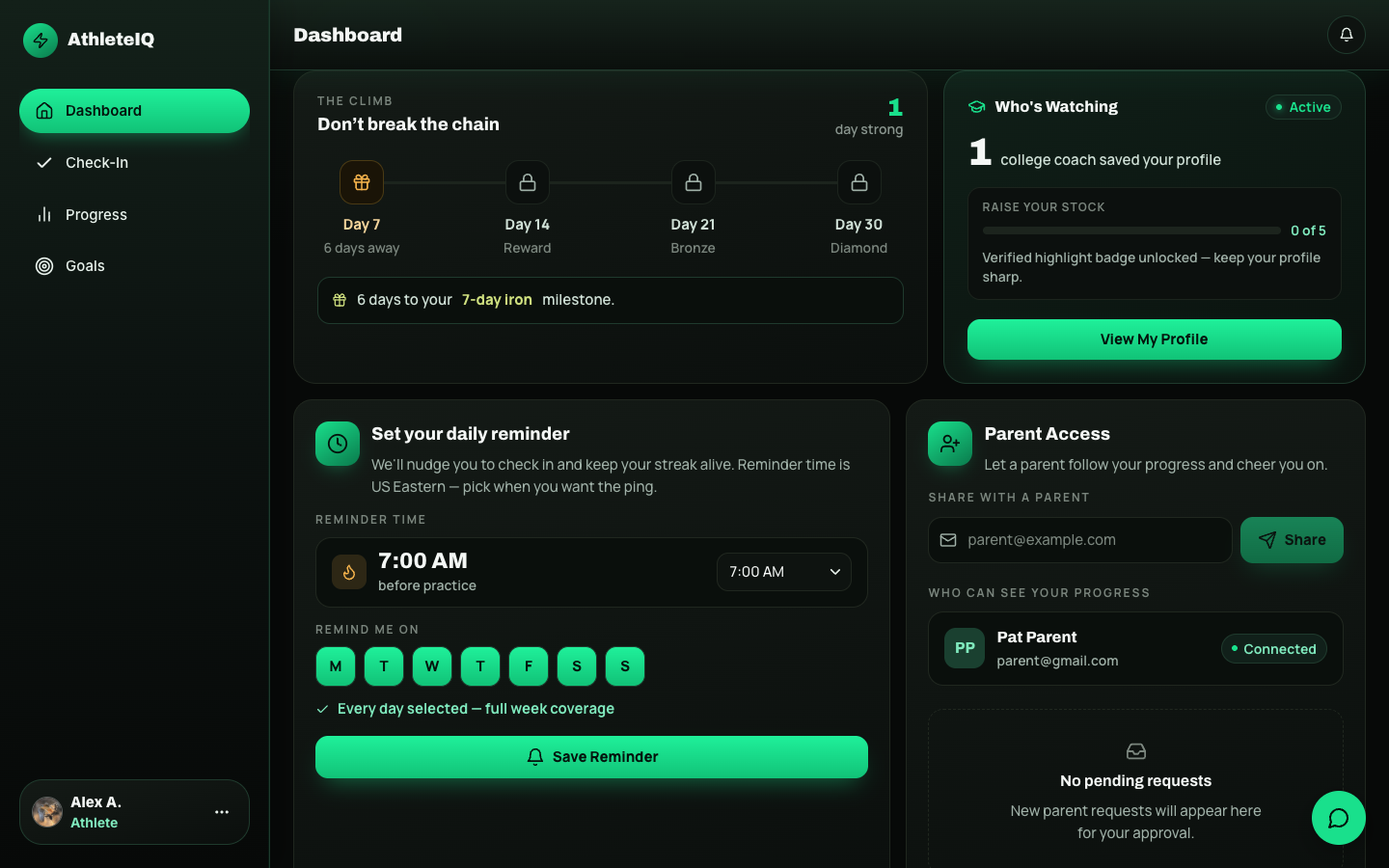
- See all connected children (often with a “checked in today” style badge).
- Review pending link requests you sent.
- Start a new link by email (must match the email your child uses on AthleteIQ).
- Jump into each child’s dashboard or progress.
- Send a reminder or message when appropriate.
Linking another child
Section titled “Linking another child”- Go to Children.
- Enter that athlete’s AthleteIQ email exactly.
- Send the link request.
- Wait for their approval.
- Repeat per child — one parent account can connect to multiple athletes.
Progress for parents
Section titled “Progress for parents”- Select the child.
- Open Progress.
- Review 7-day trends first; use 30 days for bigger patterns.
- Open check-in history if you want a specific day.
Same idea as the athlete Progress page — scoped to your child. See Goals & progress for how to read charts.
Messages and reminders
Section titled “Messages and reminders”- Use Messages for encouragement, logistics, or calm check-ins
- Use reminders when your athlete wants help remembering the habit — not as punishment
- Keep tone supportive; the product is built so athletes keep ownership
What you can and cannot do
Section titled “What you can and cannot do”You can
- See check-in status, scores, and trends after approval
- Read insights and shared coach shoutouts / evaluations
- Message and remind
- Monitor multiple children from one account
You cannot
- Complete check-ins for your child
- Edit their profile or goals
- See data before they approve the link
- Access coach tools or other athletes’ data
A healthy weekly rhythm
Section titled “A healthy weekly rhythm”- Daily (30 seconds): Did today’s check-in happen?
- Mid-week: Glance at pillar trends — one curious question max.
- Weekend: Celebrate streak / shoutouts; avoid turning scores into a lecture.
- When something looks off for days: Ask open questions (“What felt hardest on Coachability this week?”) or encourage talking to the coach.
What success looks like
Section titled “What success looks like”- Child appears under Connected
- You can open dashboard + progress without errors
- You know what you won’t do (no completing check-ins for them)
If something goes wrong
Section titled “If something goes wrong”| Issue | What to try |
|---|---|
| Dashboard says “Link your child” | Finish linking — Parent getting started |
| Pending forever | Ask athlete to approve in AthleteIQ; confirm email spelling |
| Wrong email used | Cancel pending; resend with correct AthleteIQ email |
| Can’t see evaluations | Coach may not have shared them yet |
| Need product help | Feedback & support |
Related reading
Section titled “Related reading”- Parent getting started
- Goals & progress
- Daily check-in (so you understand what they’re doing)
- Character pillars